Photograph a receipt, done
Send a receipt to the expense chatbot and OCR reads the merchant, date, amount and currency. The expense is created and filed against the right project or customer without anyone opening a form.
An intranet, a directory, a helpdesk, an asset register, contract management and a CRM that install in your own tenant, keep every record in your own SharePoint and work in Teams. One sign-in, one permission model, no new silo. Start with Apis Directory 365, which is free.
A branded intranet that looks like a website: news, events, documents, a marketplace and what is waiting for each person today.
The employee directory Microsoft 365 should have shipped with.
A service desk for every internal team, inside Microsoft 365.
Know who has what, what it cost and what is unused.
Contracts from request to renewal, without leaving Microsoft 365.
Sales, finance and contacts on SharePoint lists, with an expense chatbot that reads receipts.
HR in your own tenant: employee records, leave and absence, onboarding, documents, training and expense claims.
For agencies: the monthly content cycle, tasks and time, and a review page where clients approve without a Microsoft 365 account.
New Apis 365 apps are in development, built on the same foundation. Tell us which process you would like to see next.
The Apis 365 apps are examples of what we build. We can create any app on SharePoint, and we can tailor any of these apps to the way your business works.
If the process you need is not listed here, we can build it for you, in your own Microsoft 365 tenant. Get in touch for a quote.
Get a quoteEvery app here can be tailor-made to fit your business, whatever you do. Tell us what you need to change and we will give you a custom price.
Get a custom priceThe apps share one foundation, so they look and behave alike, and what your IT team approves once applies to all of them.
Records live in SharePoint lists and libraries in your own Microsoft 365, under your permissions, retention and backup.
People use their Microsoft 365 accounts. No new passwords, no user lists to keep in step.
The same app as a full SharePoint page and as a Teams app, on desktop and phone.
Suggestions you confirm: triage, replies, invoice reading, contract risks. Never acting on her own.
English, Slovak and Hungarian, chosen per person, including the e-mails each person receives. Apis Intranet 365 is in English and Slovak.
Your app name, logo and colour on top, with the same clean design underneath.
One package and one configuration brand every modern page in your tenant: header and mega menu, alerts, footer and your own colours and fonts. On top of it sit the news, events, documents and apps your people use every day.
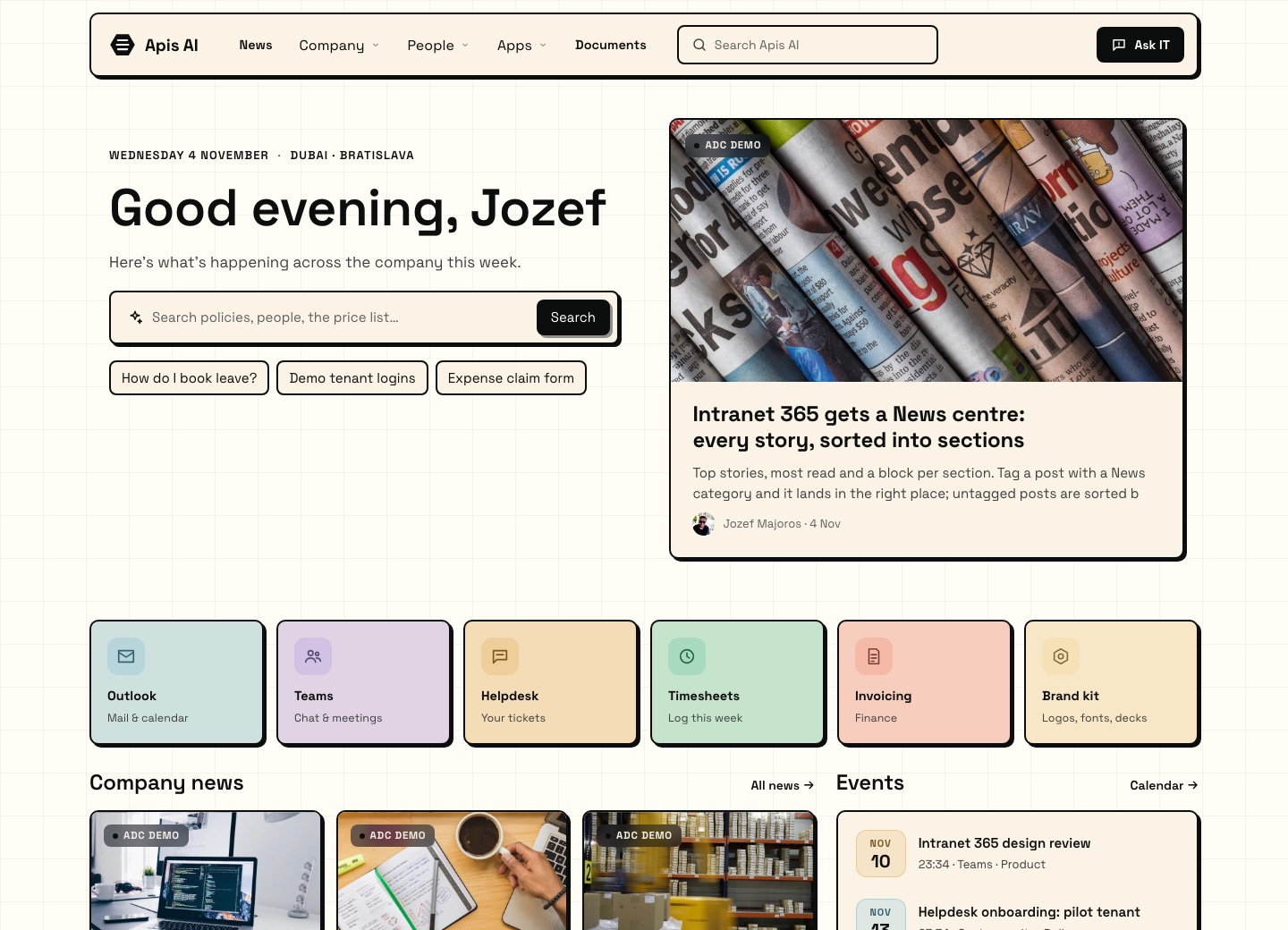
One save re-skins the header, the footer and every web part, on every page.
Glass, Studio, Editorial and Meridian, then your own logo and colours.
Approvals, tasks and deadlines from every installed Apis app, on one page and in Teams.
The intranet also runs as a Microsoft Teams app, with its own My day tab.
Find anyone in the organisation in a keystroke. Apis Directory 365 reads people live from Microsoft 365 and shows them with real filters, three layouts, rich profiles and a full organisation chart, in SharePoint and in Teams. It is free, it needs nothing hosted, and no data leaves your tenant.
One SharePoint package. No Apis servers, no Azure resources, no per-user cost.
People data is read live from Microsoft 365 by the signed-in browser. We store nothing.
Upload the package, grant consent, open the page; a setup wizard does the rest.
The health report shows who is missing a photo, title, manager or phone, so admins can put it right.
Employees raise requests to IT, HR, Facilities or Finance from the portal, by e-mail, in Teams or by chatting with Bea. Agents work them in one place with SLAs, approvals and a knowledge base, and every ticket, message and attachment stays in SharePoint in your own tenant.
Portal, shared mailbox, Teams, Bea chat and an API for Power Automate and Microsoft Forms.
Bea suggests knowledge base articles while people type, so simple questions never reach an agent.
Targets in business hours with holidays, warnings before a breach, and escalation to supervisors.
Everyone signs in with Microsoft 365. Agents chat or call requesters in Teams from the ticket.
Track hardware, other physical assets, software licences and consumable stock in one register in your own SharePoint. Intune devices and Microsoft 365 licences keep themselves up to date, employees acknowledge what they receive, and Bea reads invoices so assets are added without typing.
See unassigned Microsoft 365 seats and seats held by inactive or disabled accounts, with what they cost.
Intune sync, CSV import and invoice reading fill the register for you.
Employees accept their equipment in the app, with the exact wording they agreed to kept on record.
The daily check finds people who have left while still holding assets, with one-click return.
Requests, drafting, review, approval, signature and renewal in one place, with every contract and version kept in SharePoint in your own tenant. Bea reads each contract as it is uploaded, summarises it and flags risks and obligations, so nothing important is buried on page twelve.
Reminders count back from the notice deadline, not the end date, and go to the owner and a backup.
Templates fill themselves from the contract record, and approved clauses are one click away.
Bea checks each version against your risk checklist and lists obligations with clause references.
Send for signature through your own DocuSign account; the signed copy and certificate file themselves.
A complete CRM that lives inside your own Microsoft 365 tenant. Sales, finance, contacts and projects sit in SharePoint lists, so your data stays under the governance, backup, retention and access rules you already have in place — not in someone else's database.
There is no separate SaaS subscription per seat. Apis AI CRM 365 runs on the Microsoft 365 licences your team already holds, which keeps the running cost of the system flat as you add users.
Send a receipt to the expense chatbot and OCR reads the merchant, date, amount and currency. The expense is created and filed against the right project or customer without anyone opening a form.
Create leads from a mobile-friendly web app or straight through the chatbot. Describe the conversation in plain language and it extracts the company, contact, value and next step, then saves the record for you.
Quotes, invoices, expenses and payments handle multiple currencies, with payment details maintained per currency — practical for businesses billing in AED, GBP, EUR or USD across more than one country.
Employee records, self-service, leave and absence, onboarding and offboarding, employee documents and policy acknowledgements, training records, expense claims and HR reports, in your own Microsoft 365. Employees use it in SharePoint, the intranet and Teams with their normal sign-in.
HR records stay in your Microsoft 365, under your permissions.
Employees sign in with the Microsoft 365 account they already have.
People see their own record and leave, and raise their own requests.
Leave and approvals show up in My day on Apis Intranet 365.
Clients and onboarding, the monthly content cycle from plan to report, tasks and time, and a branded review page where clients approve content without a Microsoft 365 account.
Plan, produce, review, client approval, schedule, publish and report.
A branded review page, with no Microsoft 365 account needed.
Work and hours per client, in one place.
Client work stays in your own SharePoint.
You pay for the people who do the work in each app, or for the assets you manage. Everyone else in the organisation uses the apps at no extra cost. Tell us what you need and we will send you the pricing.
Free for any size of organisation.
Agents are the people who work tickets, including supervisors and admins. Requesters are unlimited on every plan.
For a single team getting started.
For several teams across IT, HR, Facilities and Finance.
For larger service desks with their own terms.
Assets are items in the register that have not been disposed of. Software licences, stock items and employees do not count.
For a first register of laptops and phones.
For IT teams managing devices, licences and stock.
For large estates and several locations.
Contract managers are the people who create and manage contracts. Colleagues raise requests and approvers decide at no cost.
For one person looking after the company's contracts.
For legal, finance and procurement teams.
For larger legal teams and high volumes.
In SharePoint lists and libraries, in a site in your own Microsoft 365 tenant, under the permissions, retention and backup you already have. The paid apps use a small Apis service in Microsoft Azure for the work a browser should not do, such as e-mail, reminders, approvals and AI. It works on your data where it lives and does not keep a copy. Apis Directory 365 has no service at all.
Only the people who do the work in the app: agents in Apis Helpdesk 365 and contract managers in Apis Contracts 365. Apis Assets 365 is priced by the number of assets. Everyone else, from the employee raising a ticket to the manager approving a contract, uses the apps at no extra cost.
Bea is the AI assistant built into Apis Helpdesk 365, Assets 365 and Contracts 365. She suggests: a triage, a reply, a list of assets from an invoice, the risks in a contract. A person always confirms before anything takes effect. Each plan includes a monthly allowance of Bea actions, and top-ups are available. You can rename her.
Microsoft 365 with SharePoint, and Teams if you want the Teams app. A SharePoint or Global administrator installs the app and grants consent once. For e-mail tickets in Apis Helpdesk 365, your Exchange administrator runs one short script for the support mailbox.
Usually under an hour for the paid apps, and a few minutes for Apis Directory 365. One install script creates the site, lists and permissions. If you prefer, we do it with you on a call.
Yes. Each paid app has a 30-day trial with the full feature set and small allowances, and no payment details are needed to start. At the end you choose a plan, or the app becomes read-only.
The app becomes read-only and your data stays exactly where it is, in your SharePoint. Nothing is deleted, and you can keep, export or remove it as you choose.
English, Slovak and Hungarian, chosen per person. E-mails go out in each recipient's own language.
Annually in advance by MAJOROS IT - FZCO. Monthly billing is available on request. Talk to us about Enterprise terms and bundles of more than one app.
We show the app on real scenarios from your organisation, answer your IT team's questions about permissions and data, and set up a trial in your tenant if it fits.
Tell us which app you are interested in, roughly how many people will use it, and your preferred time zone.
Book a demoExisting customer? Open the support portal